
Reflections
Summary
In general, I believe the project went great. Students learned a lot of Javascript coding from zero previous knowledge. We discussed how some connections exist from the previously learned HTML, but focused on how drastically different they are despite both being “coding” languages. Students worked through the basics of placing items on the gamelab screen using block javascript coding. They went from there to learning how to use sprites and some basic movements with sprites via random numbers and loop functions. Throughout the learning process, students were introduced to learning new code, pair programming, debugging, code-alongs with the teacher, altering current code, and creating code from scratch with block coding as an aid. In the student examples tab, you can see some clips of student work with some links to their code.
Allignment with CS Instructional Practices
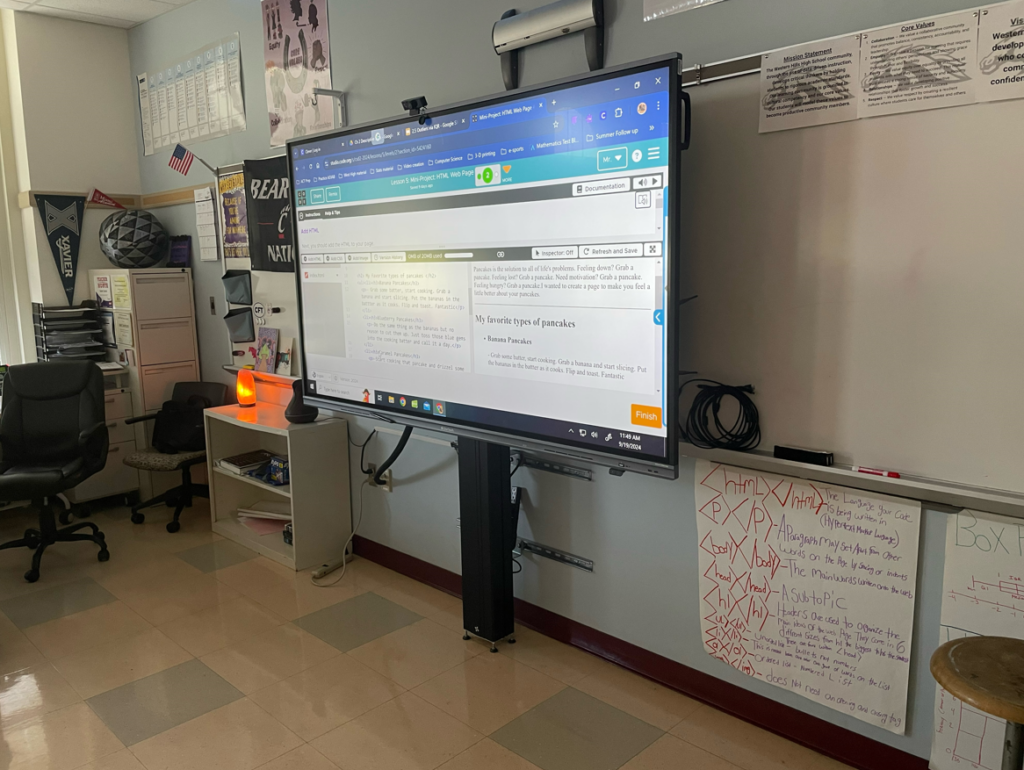
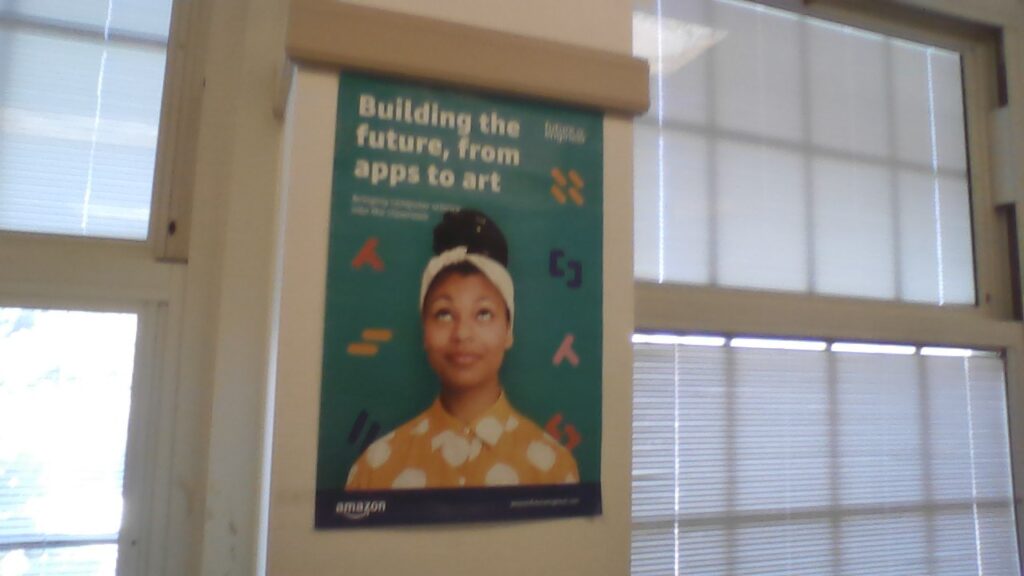
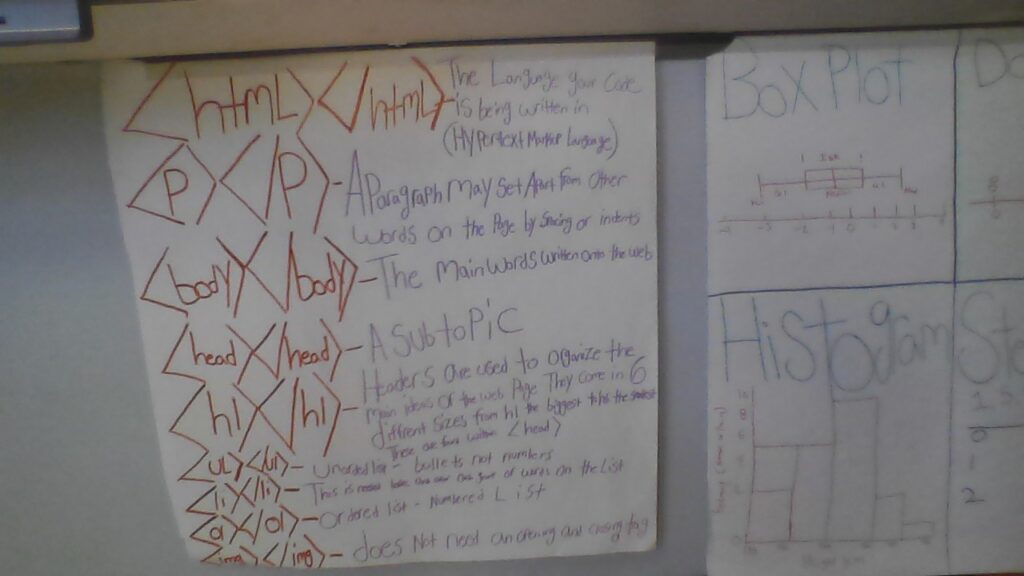
The Code.org curriculum offers a lesson plan for each lesson and provides a perfect alignment with the CSTA Standards for CS Teachers. You can find a complete data base of the lesson plans, standards alignment, visuals and slides for class, and a list of activities for this unit here . When scanning through the standards listed in the CSTA Standards for CS teachers , I do not see one that was not covered. The curriculum itself and slides hit most. Others were addressed via the classroom environment and reenforcement of teacher actions. The assignments on code.org allow for student selection, personal expression, the freedom to code on things that interest you, and much much more. In addition, there are specific lessons geared around things like intellectual property, ethical uses of technology, and how you can use CS in combination with problem solving to tackle real world problems. Above is a picture of the front of my room and below are specific things I have on my walls to help foster some of the ideas not covered directly from a slide, like reinforcment of CS vocabulary and inclusion of minorities in the field. I work hard to make sure every student in my class feels like CS is achievable and possible for them and people like them.
How Did It Go?
In general, the initial excitement for this unit is higher than that of HTML because students are excited to create games. That excitement seems to quickly deplete when students realize how slow of a start we get. Diving straight into games would be nice, but without the fundamentals, kids would be lost navigating game development. For this reason, they seemed to slack off on early easy lessons and then got stressed when the lessons took a harder turn. For students who stayed on track, the images and animated scenes came easy and they were excited with the results of creating something that moved on their own from scratch. I spent an extra amount of time explaining and showing sprites and the major functions as they came up such as the draw function, the if then functions, and the draw loop function. These topics seem to cause much more trouble when letting students attempt them with the typical self guided exercises. I’ve learned that explaining their uses and functions in general terms with the class before diving into actually using them to code is helpful. Other small things that caused issues this year were the importance of ordering in your code and to make sure that titles of the sprites match EXACTLY when calling them up later in the code. As always, a simple reminder at the end of each class that the draw block at the end of your code is always needed to make things actually appear was evidently helpful.